
The living room looks finished the moment the television is mounted, and then the cables arrive: a power cord, an HDMI lead to the console, a network cable, a soundbar connection, and the inevitable tangle behind the wall. A thoughtful TV stand does more than hold a screen. It organizes the equipment, channels the wiring somewhere invisible, and gives the room a visual anchor that reads as furniture rather than an AV cart. The challenge is that stands are often bought by width and price, then lived with for years of frustration because the shelves are too shallow for a receiver, the doors block a remote, or the back panel has no room for a plug. This guide looks at the practical decisions — sizing, ventilation, wire management, and materials — that separate a stand that works from one that merely looks the part.
Measure the Screen and the Wall First
The single most common mistake is buying a stand that is narrower than the television base or, worse, narrower than the screen itself. As a rule, a TV stand should be at least a few inches wider than the television on each side, so the screen does not appear to overhang its support. This is especially important with a soundbar, which usually sits on the top surface just beneath the screen. Measure the TV’s footprint with its legs attached, then measure again after you decide whether the legs can be repositioned. Many modern sets allow the feet to be placed inward, which opens up shorter stands, but check before you assume.
Height deserves equal attention. The center of the screen should sit roughly at eye level when you are seated on the sofa, which usually means the top surface of the stand should be somewhere around twenty to twenty-four inches from the floor. A stand that is too tall forces you to look up and strains the neck; too short and the coffee table blocks the lower edge of the picture. Also confirm the stand’s depth can accommodate the TV base without overhanging the front edge, and leave a couple of inches at the back so cables have somewhere to go.
Viewing distance shapes the stand’s proportions just as much as screen size. The comfortable range for a modern high-definition screen is roughly one and a half to two and a half times the diagonal measurement, measured from the sofa. If the sofa sits close, a long stand will feel oversized and crowd the room; if the room is deep, a compact stand can look lost against a wide wall. Walk the room and stand where you would normally sit, then imagine the screen at the center of your view. The stand should support that sightline without becoming the dominant object in the space.
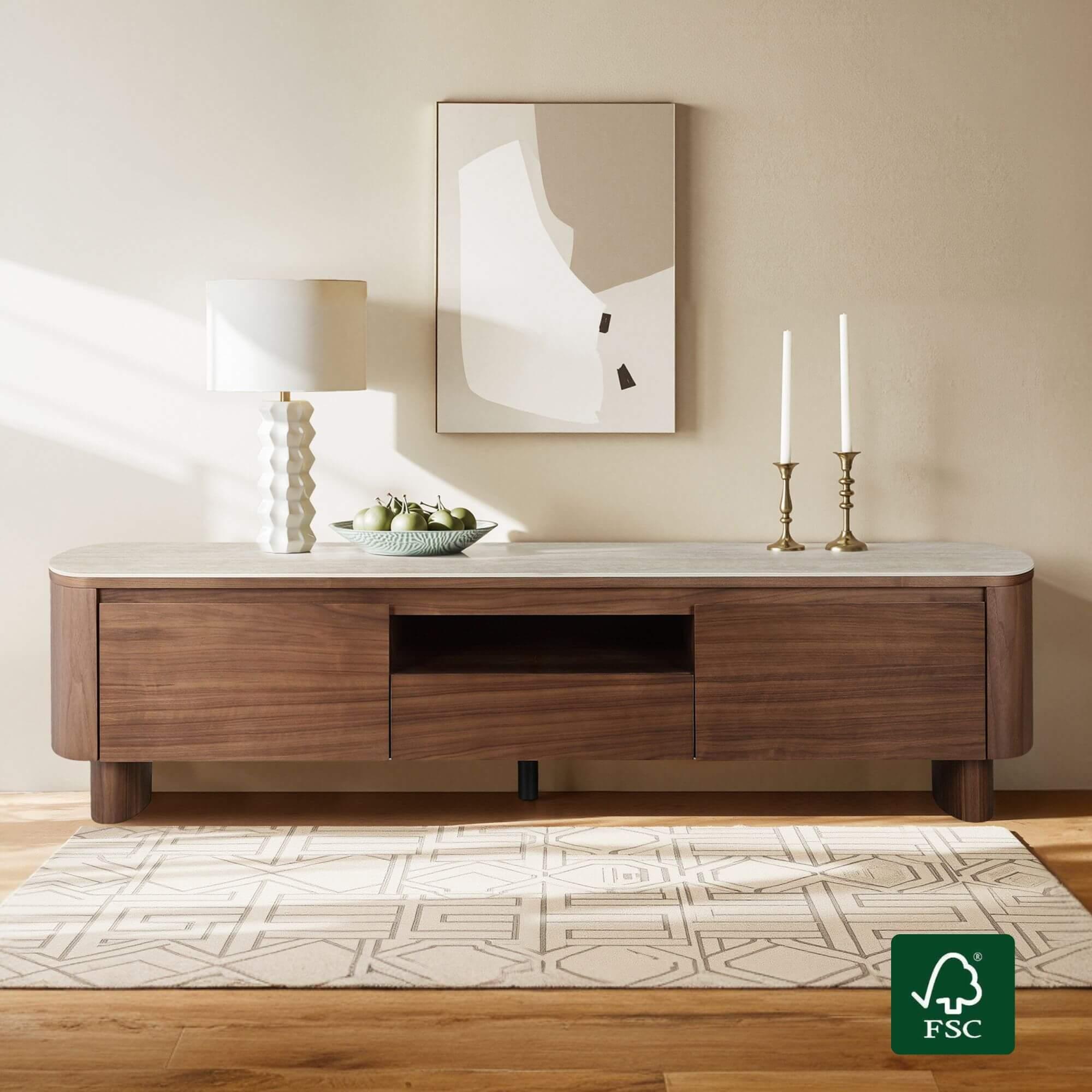
The Details That Decide Whether It Works
Once the size is right, the difference between a good stand and a great one comes down to how it handles the equipment that lives inside it.
Open Shelves, Closed Storage, or Both
Media components generate heat, and closed cabinets trap it. A receiver or game console needs open space above and behind it, so look for stands with at least one open bay sized for a full-width component, ideally with an adjustable shelf. Closed doors are useful for hiding remotes, controllers, and the mess of small accessories, but make sure any cabinet section has ventilation slots or an open back. A combination stand — open center bay for the receiver, closed side cabinets for clutter — is the most flexible arrangement for most households. If you use a smart remote or a streaming stick that relies on line of sight, avoid solid doors in front of the device.
Cable Management Is Not Optional
TV stand designs live or die by their back panels. A solid back with no cutouts forces every cable to snake around the side, and that is exactly how the tangle begins. Look for a stand with removable or predrilled cable ports, open backs on the component bays, and a gap between the back panel and the wall for routing. Vertical channels inside the cabinet, or a simple hook-and-loop strap system, let you bundle power and signal cables separately. Label the cables before you install the stand; it takes two minutes and saves an hour the next time you swap a device. If the stand has drawers, check that the drawer boxes clear the cables when they slide.
Sound systems deserve their own thought. A soundbar placed directly in front of the television can block the screen’s lower edge or reflect off the stand’s surface, so look for a stand with a slight lip or a dedicated channel that keeps the bar in place. If you use a subwoofer or bookshelf speakers, measure their footprint and check that the top surface or lower shelf can hold them without vibration transferring into the stand. Vibration is a quiet culprit: a loose shelf will buzz during action scenes, and felt pads under the components solve most of it.
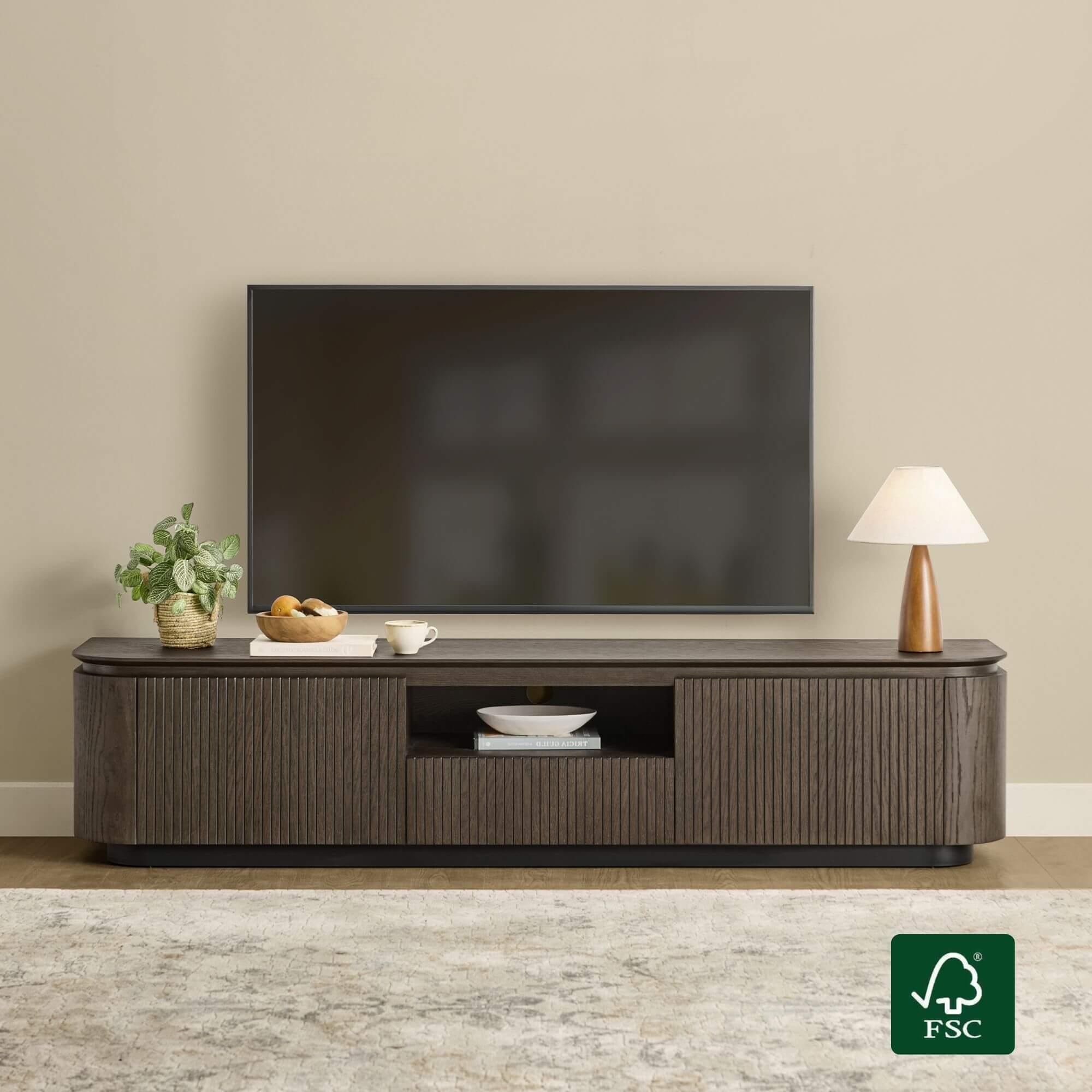
Materials, Weight, and Stability
A stand holding a large screen and several components needs to be genuinely sturdy. Solid wood and high-quality engineered wood with a real veneer hold screws and resist sagging far better than thin particleboard, which is prone to bowing under a heavy receiver. Check the weight capacity per shelf, not just overall, and confirm the top surface can support the TV plus a soundbar. Stability matters just as much as strength: a stand with adjustable leveling feet sits flat on uneven floors, and anti-tip hardware is worth installing if there are children or pets in the home. Look at the joinery where the top meets the sides — dowels, brackets, and corner blocks signal a piece built to last.
Making It Fit the Room, Not Just the Wall
A television stand occupies the visual center of most living rooms, so its style carries more weight than its square footage suggests. A long, low stand in a light wood or white finish makes a small room feel open, while a darker, taller console anchors a large wall. Match the stand’s finish to the other wood tones in the room within a reasonable range; exact matching is less important than avoiding obvious clashes between warm and cool browns. Leave a few inches of breathing room on each side rather than pushing the stand into a corner, and if the wall is long, a slightly wider console looks more balanced than a narrow one with empty space beside it.
Think about how the room is used after the movie ends. A stand with a drawer or a closed cabinet makes a natural home for board games, extra remotes, and charging cables, which keeps the surface clear for the things you actually want to display. Some designs, like the storage-forward pieces from CHITA LIVING, combine an open media bay with concealed compartments, so the equipment stays accessible while the clutter disappears. Finally, plan for the future: an extra open shelf and a little unused depth will save you from buying a new stand when you upgrade the console or add a streaming box. Buy once, measure twice, and let the cables stay where you cannot see them.
Lighting and wall treatment change how the stand reads, too. A dark console against a pale wall creates a strong horizontal line that anchors the room; a light console against a dark wall floats and makes a small space feel airier. If the television is wall-mounted, the stand becomes a low storage piece rather than a support, which frees you to choose a shorter, deeper console that holds media and hides clutter. In that case, route the cables down the wall in a channel and let the stand conceal the power strip, so the wall stays clean and the equipment stays reachable.
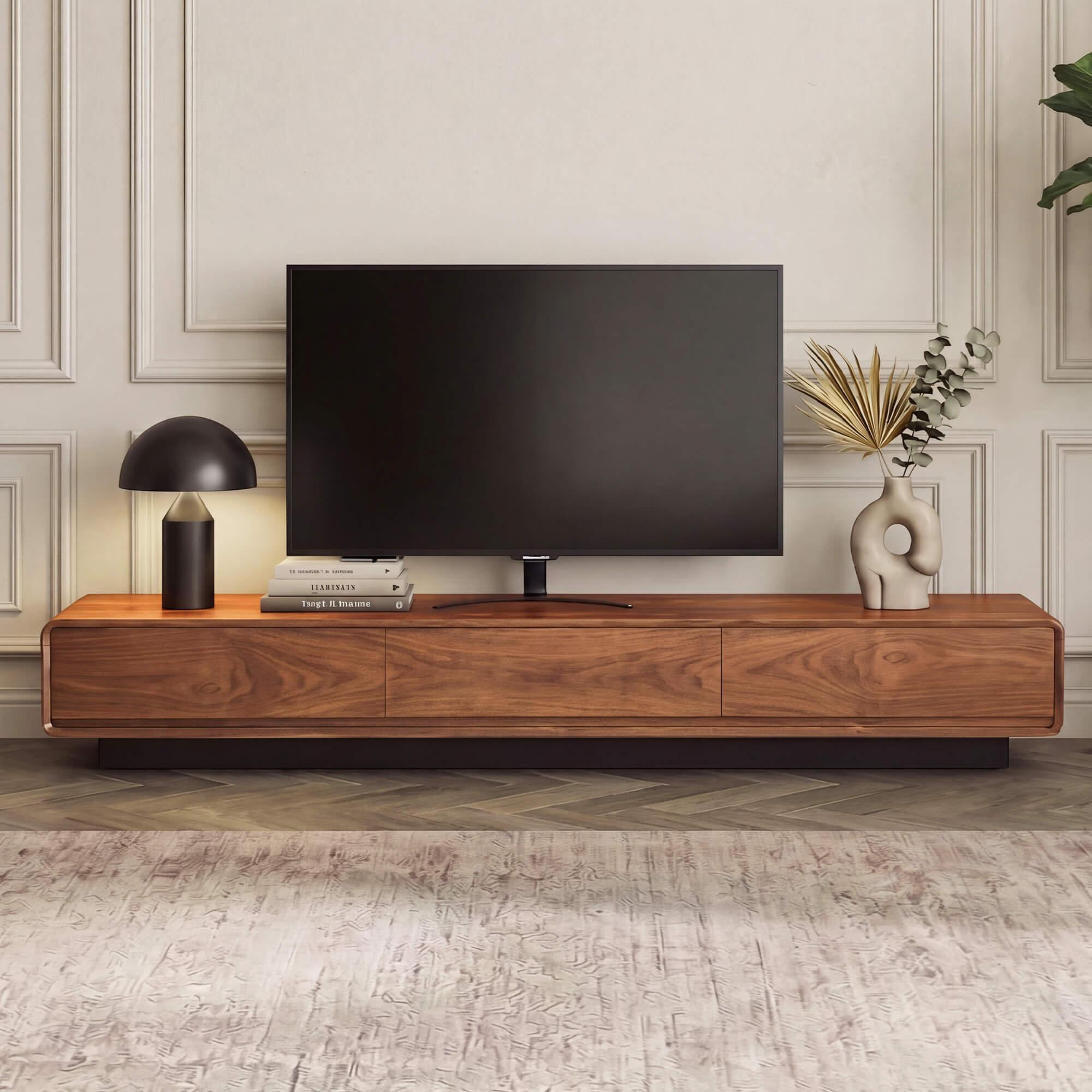
A Stand Worth Keeping
The best television stand is the one you stop noticing. It holds the screen at the right height, swallows the cables, keeps the components cool, and looks like it belongs in the room rather than in a rental apartment. Measure the TV and the wall before you shop, choose a stand with open ventilation and real cable routing, and insist on materials that will not sag under load. Add closed storage for the clutter that always accumulates, and plan a little extra space for the next device. Get those details right, and the stand will quietly support your living room for years without a single visible wire.