
Every time you type a prompt into a cloud chatbot, that text leaves your device and lands on someone else’s infrastructure. For casual questions, that tradeoff rarely matters. But as AI tools start handling contracts, health notes, financial records, and unreleased business plans, the calculus changes. More professionals and home lab builders are asking a simple question: why hand sensitive data to a third party when local hardware can do the job just as well?
This shift is driving interest in running AI models on hardware you own and control, rather than renting compute from a distant data center. The appeal isn’t just about privacy. It’s about predictability, ownership, and no longer being at the mercy of a provider’s pricing changes or policy updates.
The Hidden Cost of Cloud-Based AI Tools
Subscription fatigue is real. Between chatbot subscriptions, image generation credits, and API usage fees, many people quietly spend more on AI tools each month than they do on streaming services. Beyond cost, there’s the question of where your inputs actually go. Most terms of service allow providers to log, review, or use your data to improve their models unless you dig into settings and opt out. For anyone handling client information or proprietary work, that’s a risk worth avoiding.
A personal AI server sidesteps this entirely. When the model runs on hardware sitting in your home or office, your prompts and outputs never have to leave the building. There’s no third party reviewing logs, no ambiguous data retention policy to parse, and no surprise price hike when a provider changes its business model.
What a Personal AI Server Actually Looks Like
The phrase might sound like something reserved for data center engineers, but the reality is far more approachable. Modern consumer hardware, paired with the right software stack, can run capable language and image models without a server room. The learning curve has flattened considerably over the past couple of years as more turnkey platforms have appeared.
Hardware and Setup Basics
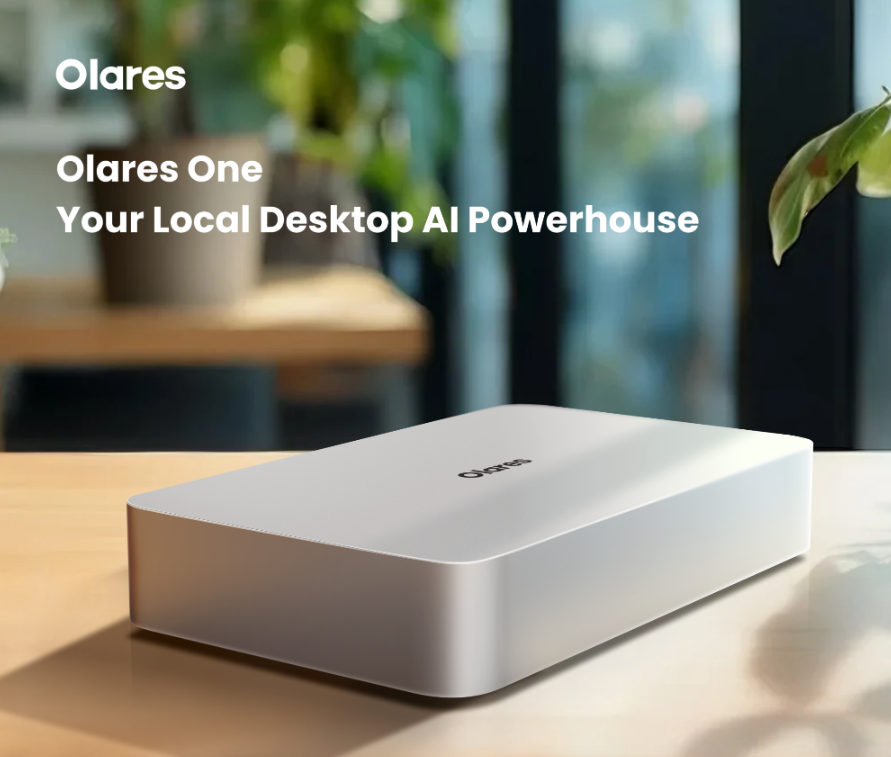
You don’t need a rack of GPUs to get started. A single machine with a decent amount of RAM and a modern graphics card can comfortably run mid-sized open models for chat, coding help, and image generation. The setup process typically involves installing an operating layer that manages containers and services, then adding the specific AI applications you want, whether that’s a chat interface, an image generator, or a document assistant. Olares is one example of a platform built specifically to simplify this kind of self-hosted AI setup, packaging the underlying infrastructure so you don’t have to configure everything from scratch.
Storage matters more than people expect. Model files can range from a few gigabytes to well over a hundred, so planning disk space ahead of time saves a lot of frustration during setup. A secondary drive dedicated to model storage is a practical choice for anyone planning to experiment with multiple models over time.
Everyday Use Cases That Benefit Most
Not every task needs a private server, but plenty do. Freelancers drafting client proposals, therapists keeping session notes, and small business owners managing financial documents all have strong reasons to keep AI processing local. The same goes for anyone who wants a coding assistant that has access to an entire private codebase without uploading it anywhere.
Households are finding uses too. A local AI assistant can manage family calendars, summarize documents, or answer questions about stored files without any of that information touching an external server. Once the hardware is in place, adding a new capability is often just a matter of installing another application rather than signing up for another subscription.
Getting Started Without the Overwhelm
The biggest barrier isn’t cost or hardware, it’s the perception that self-hosting requires deep technical expertise. That’s less true today. Start with one use case, such as a private chat assistant, get comfortable with how the system behaves, and expand from there. Trying to replicate every cloud AI feature on day one is a recipe for burnout.
Community documentation and setup guides have matured alongside the software itself, so troubleshooting a stuck installation rarely means starting from zero. Most issues have already been solved by someone else and documented somewhere accessible.
Owning Your AI Infrastructure Long Term
The case for running AI locally isn’t about rejecting cloud services outright. It’s about deciding, task by task, which data deserves to stay under your own roof. For anything involving client trust, personal records, or proprietary work, local infrastructure offers a level of control that no subscription agreement can match.
As open models continue to improve and hardware requirements keep dropping, the gap between cloud convenience and local ownership keeps narrowing. Setting up a personal server today means you’re not scrambling to catch up when data privacy becomes a bigger concern for your work or your household. The tools are ready. The decision to use them is the only remaining step.