
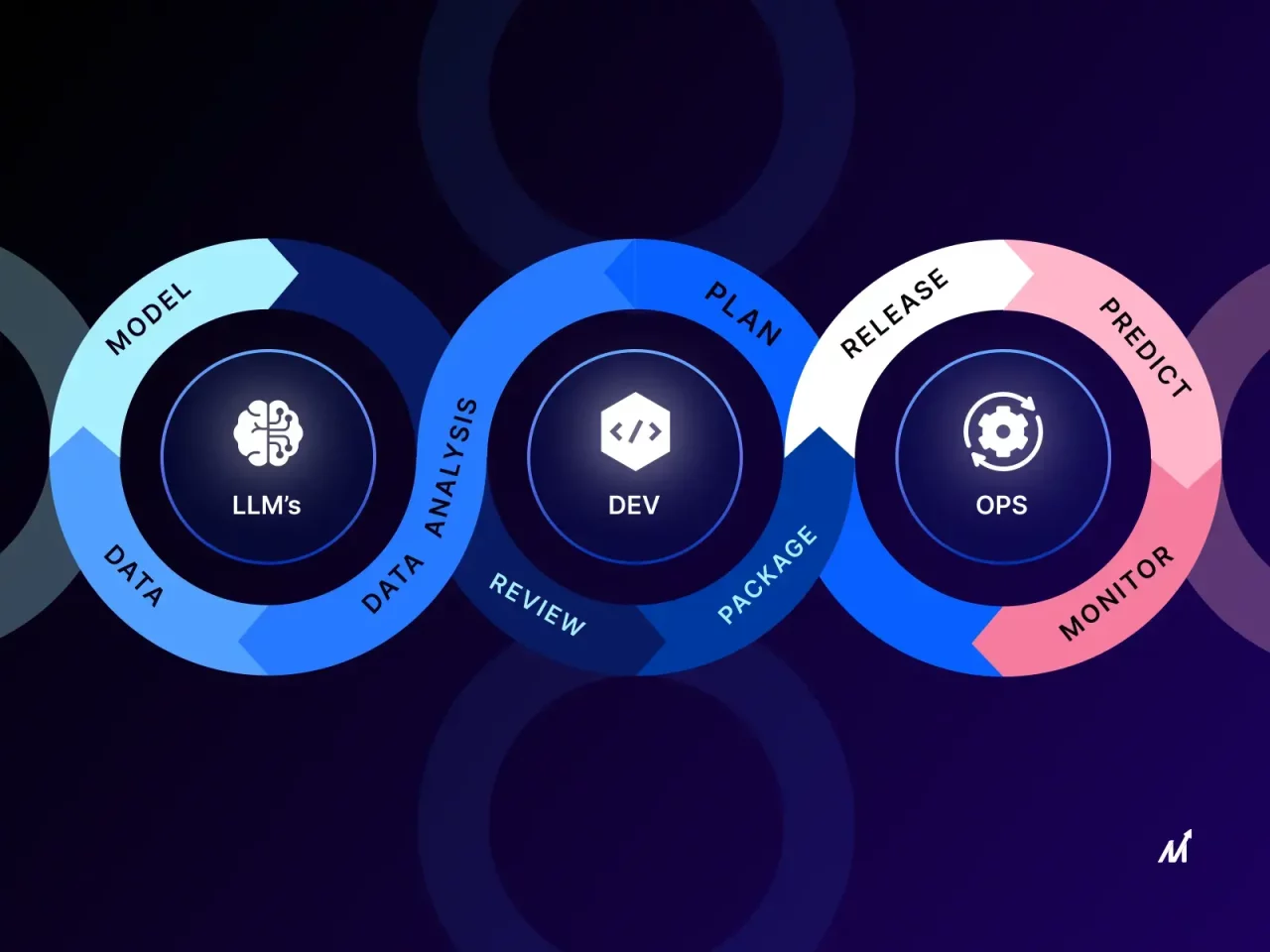
Envision a symphony orchestra that has just been given a brand-new instrument which no one completely understands. The violinists are familiar with melody and the percussionists with rhythm, but this new instrument emits sounds, changes spontaneously, and at times plays itself. Someone has to learn how to conduct it—not just how to play it. That is basically what LLMOps is doing within the data science field. It isn’t a tool being added to the existing work processes; it’s a new section of the orchestra that calls for a different kind of conductor, and each data scientist is being gradually transformed into that role.
The Orchestra Analogy: From Soloist to Conductor
For many years data scientists acted as solo performers: they would select a dataset, train a model, tune it all by themselves, and then deliver a refined outcome. LLMOps completely changes the situation now, since there are numerous components involved—the different prompt versions, the retrieval pipelines, the fine-tuning jobs, the guardrails, and the feedback loops—all of which are operating at the same time, and if one element misses its cue the entire operation can be disrupted. It is no longer necessary for the data scientist to personally handle each aspect. Instead, they have to keep an eye on the whole group, detect when the model’s tone starts to shift, and make the necessary adjustments before the audience realizes anything is wrong. This transition from the role of a soloist to that of a conductor is gradually altering job descriptions, the criteria for promotion, and even the language used in performance evaluations.
The Vanishing Line Between Building and Running
Once, there was a clear boundary between the “build” and “run” stages. The data scientist was responsible for building the model, while an engineer in another department looked after it once it had been deployed. LLMOps has now shattered that boundary. Large language models do not remain stable after being put into use—they drift, hallucinate when presented with new phrasings, and respond in an unpredictable way to changes in user behaviour. A retail company observed that its customer-support assistant began providing confidently incorrect answers just weeks after going live, not since the model had failed, but because the customer queries had changed more rapidly than the original prompts and the retrieval index. The solution wasn’t a simple fix; it demanded continuous monitoring, versioned prompts, and rollback procedures—tasks which are now increasingly being carried out by the data scientist rather than by a dedicated operations team. The responsibilities for building and for running have thus become one continuous process of care and maintenance.
The New Toolbox: Less Math, More Machinery
Ten years ago, being proficient meant having a thorough knowledge of loss functions. Now, that kind of mathematical expertise is no longer something that sets people apart but rather the basic expectation. What actually distinguishes a successful LLMOps professional is their familiarity with vector databases, evaluation harnesses, latency budgets, and the trade-offs between cost per token. For example, a fintech team found that a small improvement to their embedding model had the effect of nearly doubling their inference costs without making much difference to accuracy — a lesson that relates as much to economics as it does to machine learning. It is for this reason that professionals who are taking a Data Science Course in Kolkata nowadays see the curricula placing greater emphasis on deployment mechanics, observability, and pipeline orchestration than on theory alone. The range of tools available has expanded, and so too has the meaning of technical excellence.
From Model Whisperer to Risk Manager
There’s another, more subtle and less flashy development as well: data scientists are increasingly taking on the role of risk managers. For example, when a chatbot related to the healthcare sector started rephrasing medical advice in a way that sounded authoritative but was only slightly inaccurate, the solution wasn’t to use a larger model but instead to implement better guardrails, introduce human-in-the-loop reviews, and create audit trails that could explain each generated response afterwards. LLMOps has turned governance into a fundamental skill rather than something merely treated as a compliance measure, and it is the people who embrace this approach—rather than those who resist it—who are being included in leadership discussions at an early stage in their careers.
Career Currency: What Gets You Noticed Now
Previously, curiosity was judged by the algorithms people chose, but now it is assessed by their ability to think systematically. Today, hiring managers give a stronger preference to candidates who can explain how they kept an model running after it had been launched than to those who can only describe how they trained it. This really is a turning point for career advancement, which is why forward-thinking professionals are combining practical experimentation with structured learning—a well-designed Data Science Course that makes LLMOps a key part of its curriculum rather than an extra module tends to lead to quicker promotions and greater influence across different functions.
Conclusion: The Conductor’s Baton Is Already in Your Hand
LLMOps has not replaced the data scientist; instead, it has passed on the responsibility to them and at the same time enlarged the orchestra pit. The people who will succeed are not those who oppose the noise of the new instruments, but rather those who learn to listen to all the different parts of the ensemble—balancing model performance, cost, risk, and reliability in real time. The future career path is no longer a straightforward line; it has become an ongoing process of conducting, refining, and at times having to improvise together with a highly capable and very unpredictable new voice in the room.
Contact Us:
Name: ExcelR- Data Science, Data Analyst, Business Analyst Course Training in Kolkata
Address: 19/1 Camac Street B. Ghose Building, 2nd Floor, opposite Fort Knox, Kolkata, West Bengal 700017
Phone No.: 8591364838
Email ID: enquiry@excelr.com